11:00
:
Rings in

iPhone App

Your Own Music Alarm
& Sleep Sounds.

Wake up to any song you like and fall asleep to curated sounds, all with your current music streaming service (Spotify or Apple Music). No extra subscription needed.

  • Free · no ads
  • Spotify & Apple Music
  • iOS 18.6+
Streams from
Spotify Apple Music
· Curated soundscapes · Sleep timer · Sunrise alarm

Sleep sounds

Curated soundscapes,
made for falling asleep.

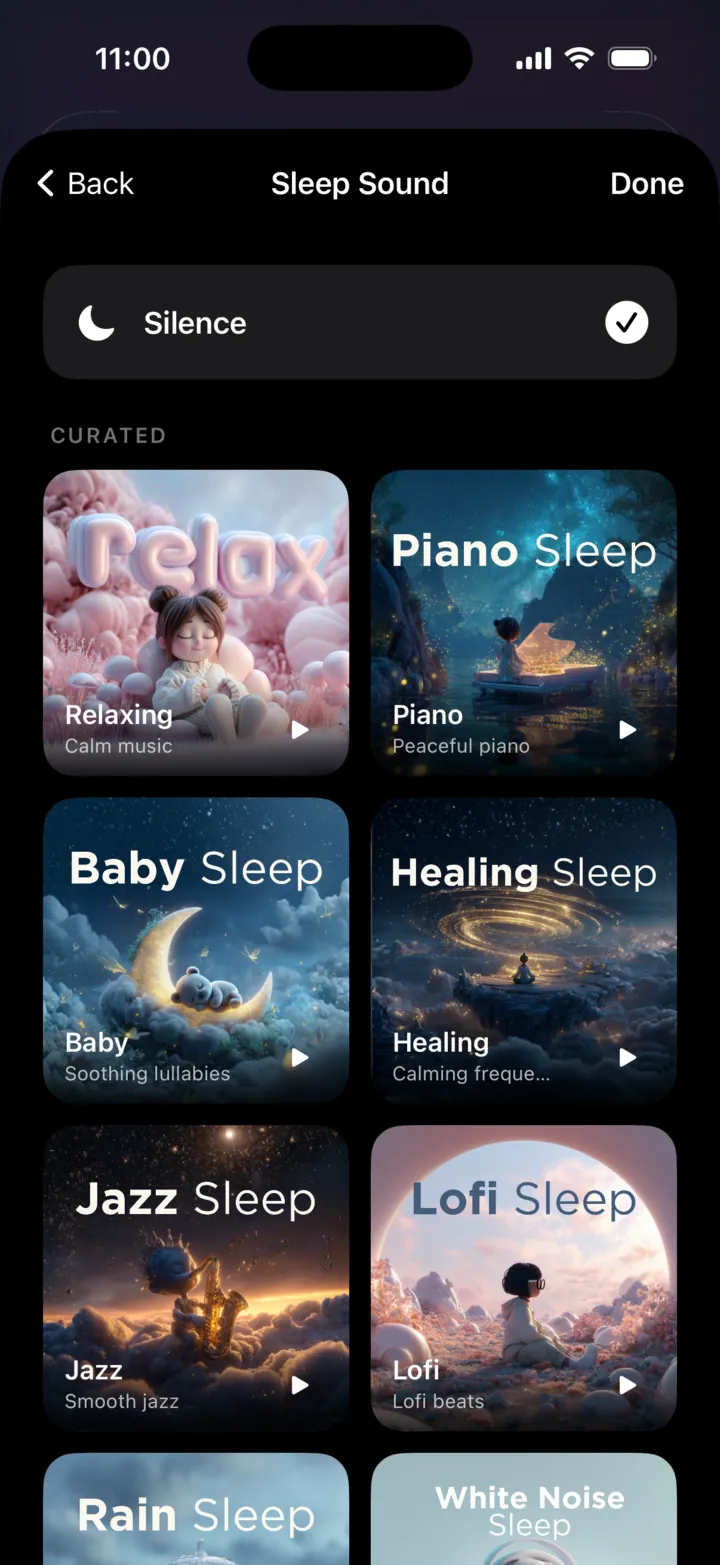
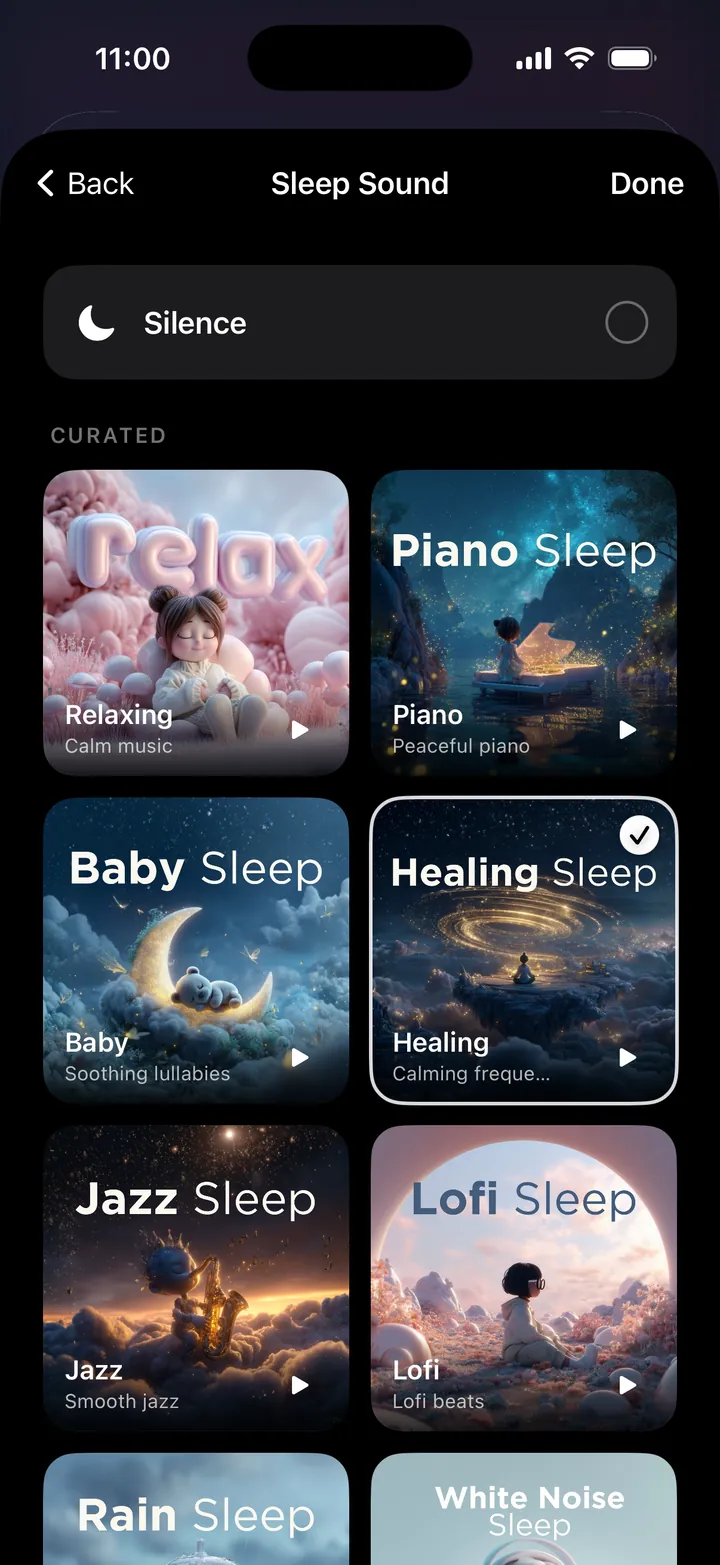
Rain, piano, lofi, healing frequencies and more: curated playlists that stream from Spotify or Apple Music. Set a sleep timer for 15, 30 or 60 minutes, or let it run gently until your alarm.

Available in

Click to preview

1 / 8

Music alarm

Your Wake Up.

Pick any song or playlist and wake up gradually to it instead of a buzzer. You're in control of what you hear first. A calmer, more human way to start the day.

Your music is the alarm

Connect Spotify or Apple Music and wake to any track, playlist, album or artist. Set up the time you want it to alarm & the song you picked will wake you. No extra subscriptions needed.

Spotify Apple Music

Alarm fade-in

Volume eases up gradually over time, instead of a jarring shock, refined haptics included.

The promise

An alarm you can actually trust.

Phone on silent? Wi-Fi drops at 3am? Music app logged out? You still wake up. Every time. LuxRise quietly keeps a backup ready, so your morning never hangs on a perfect connection.

  1. Rings on silent & Do Not DisturbYour alarm gets through, however your phone is set.
  2. Works when the Wi-Fi doesn'tLose your connection overnight and you'll still wake on time.
  3. Always a backup readyIf your music can't play, something else always will.
11:00
:
Rings in
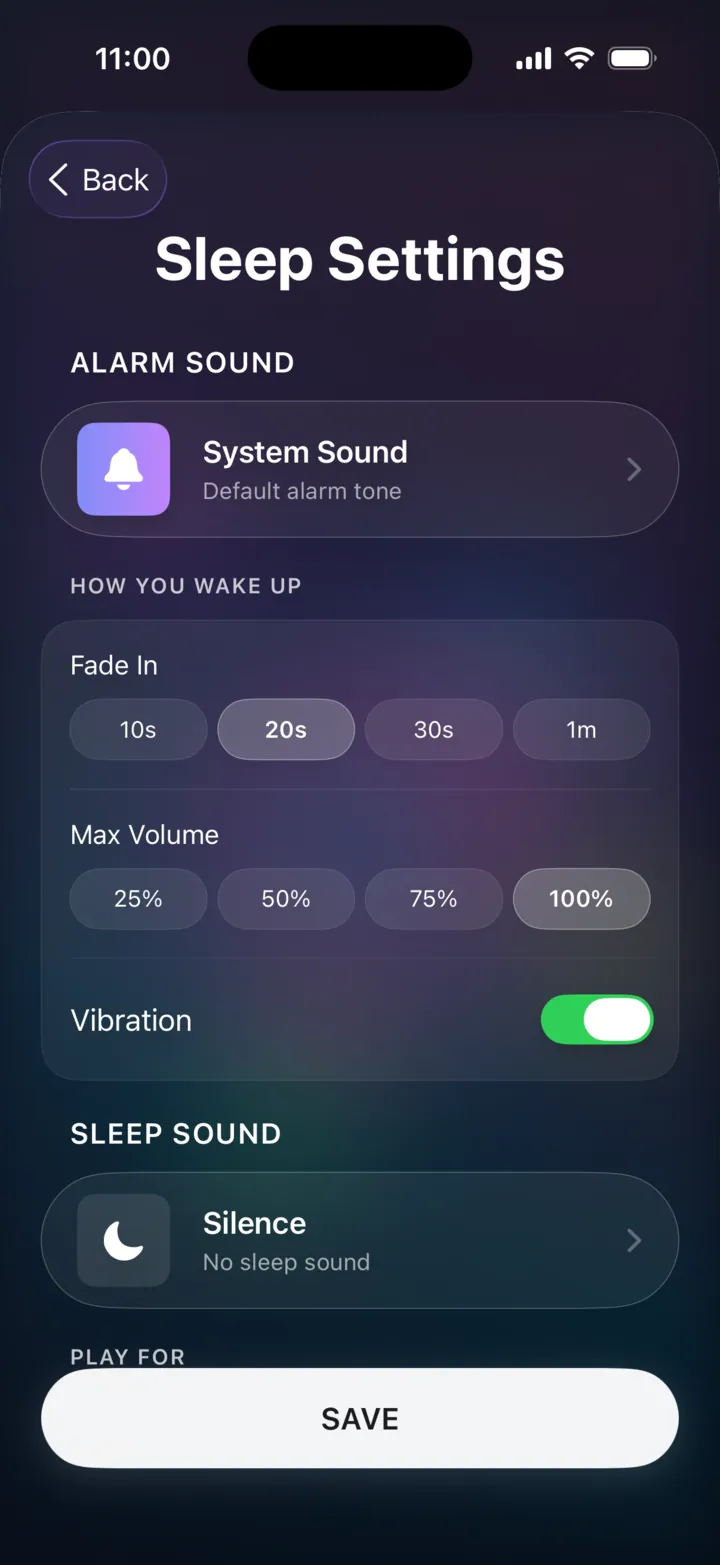
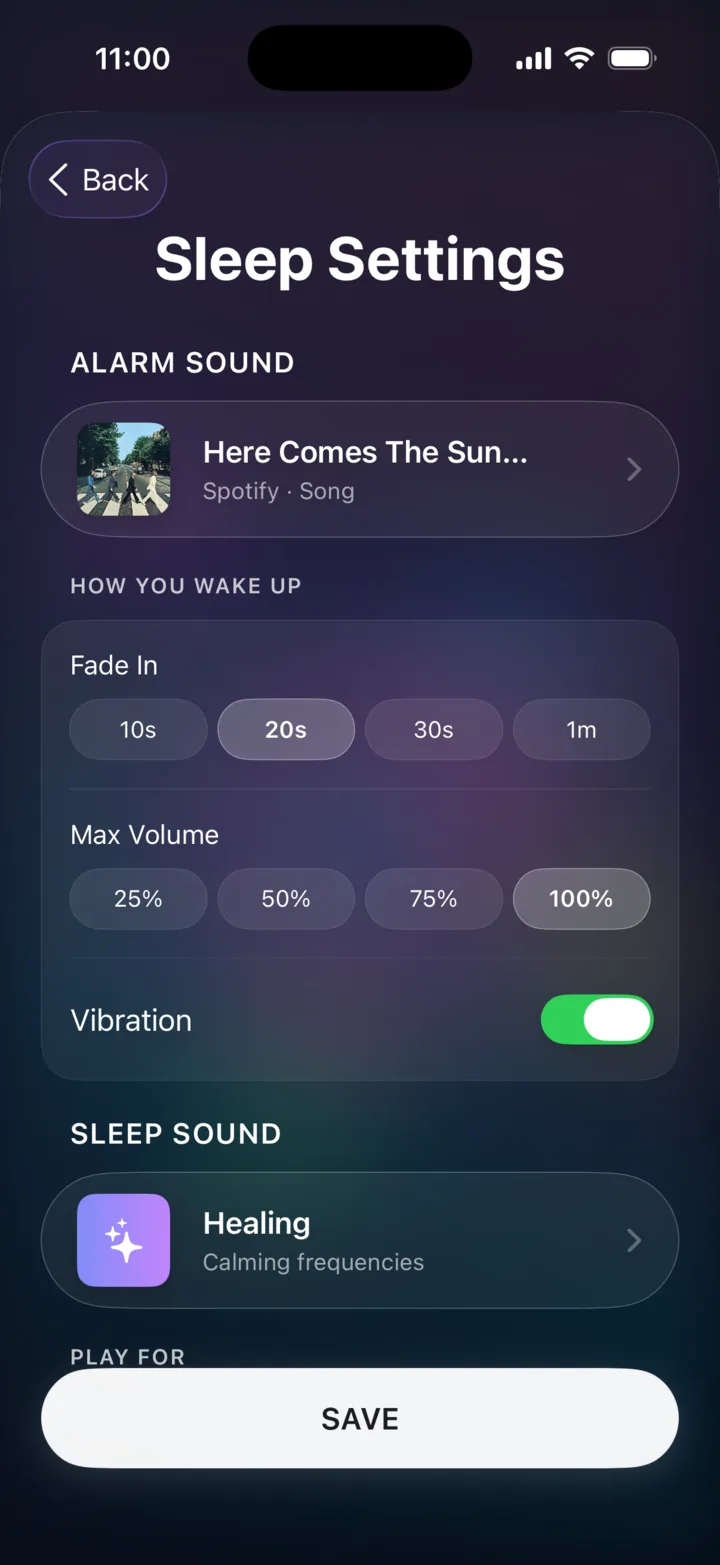
LuxRise Sleep Settings screen
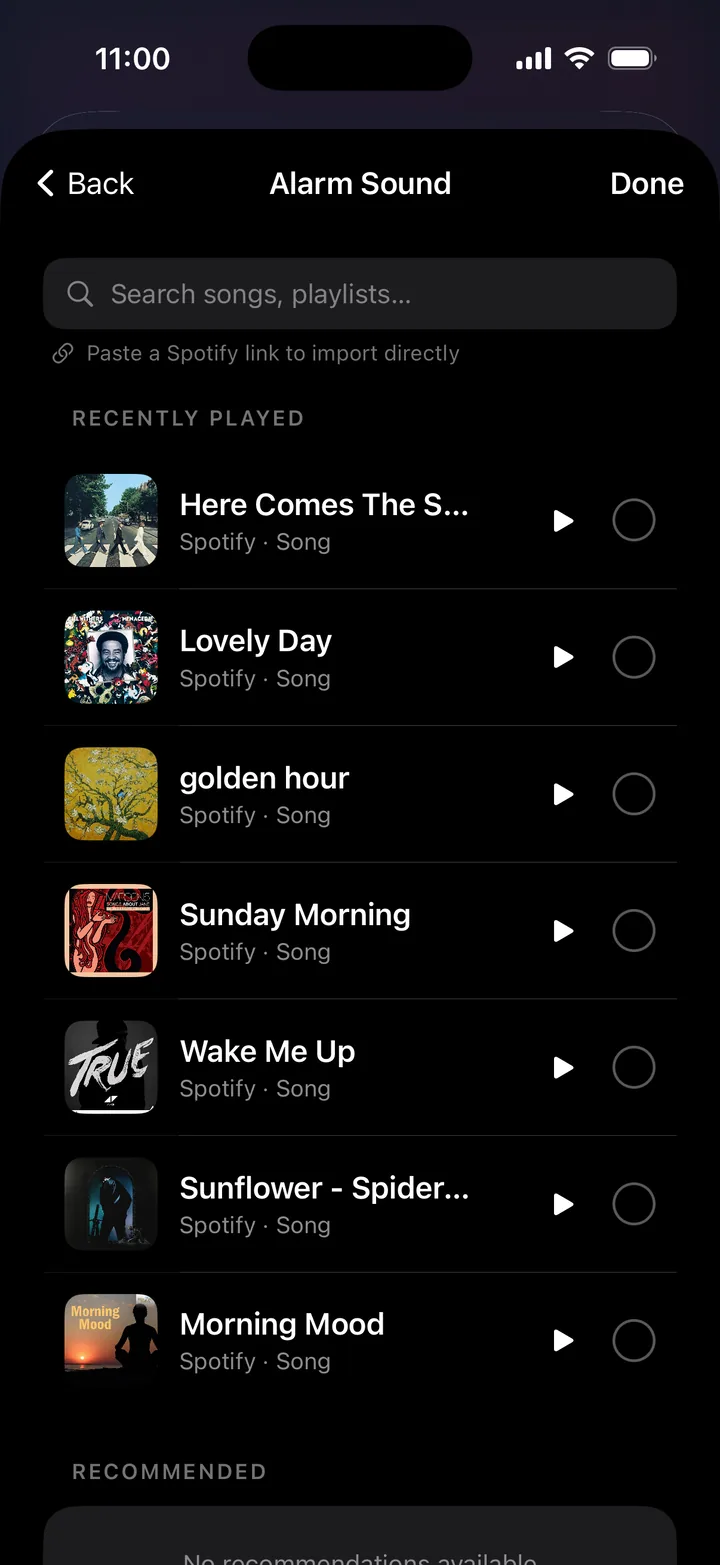
Choosing an alarm song
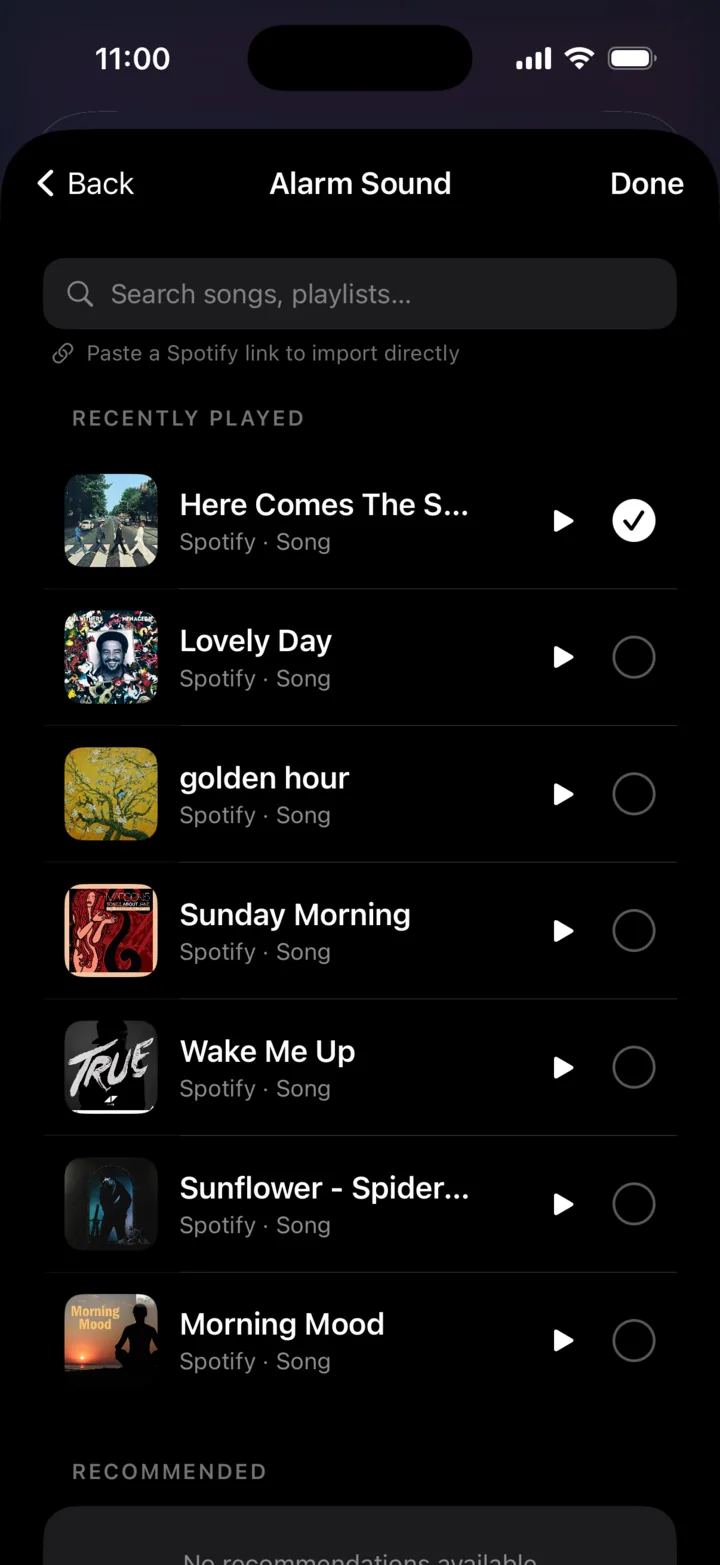
Alarm song selected
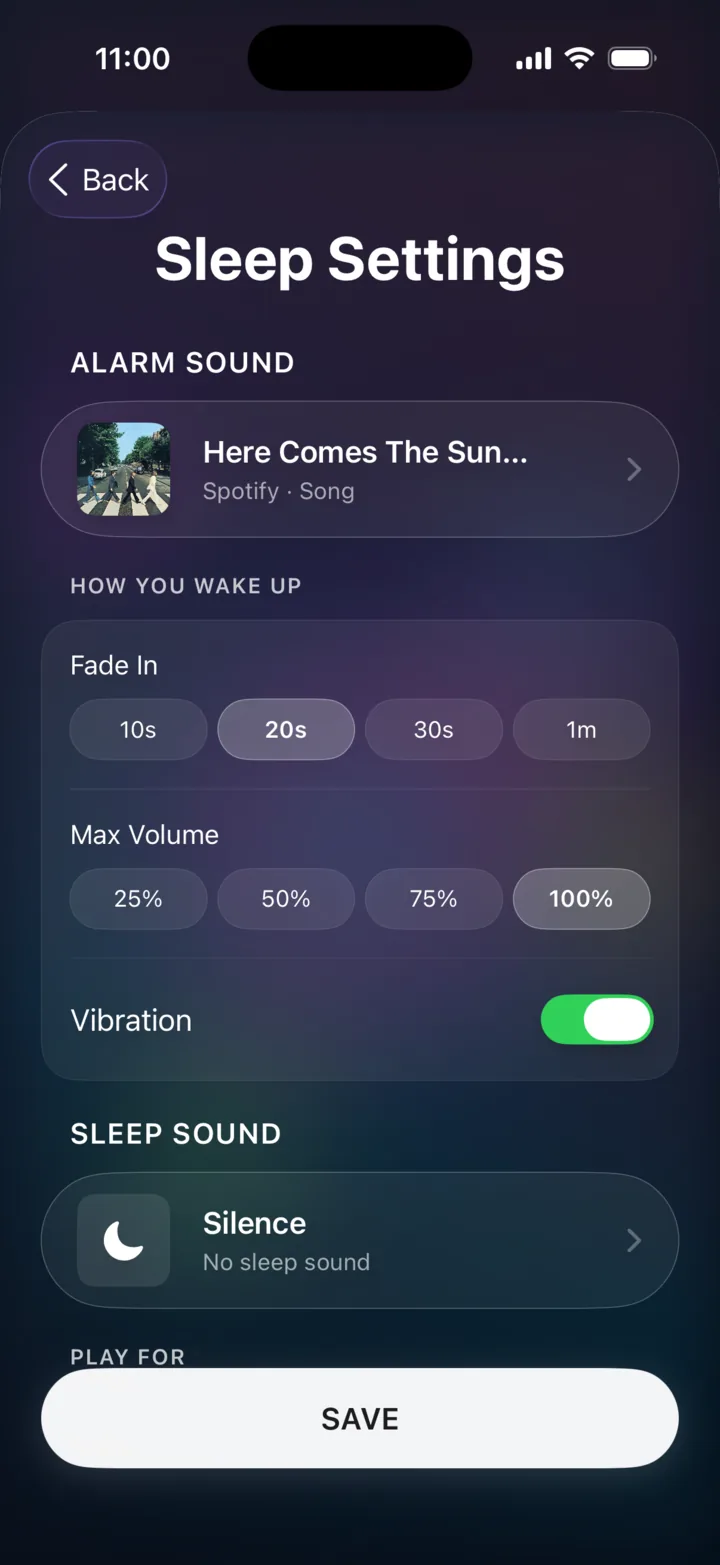
Sleep Settings with the alarm song saved
Choosing a sleep sound
Healing sleep sound selected
Sleep Settings with alarm and sleep sound saved
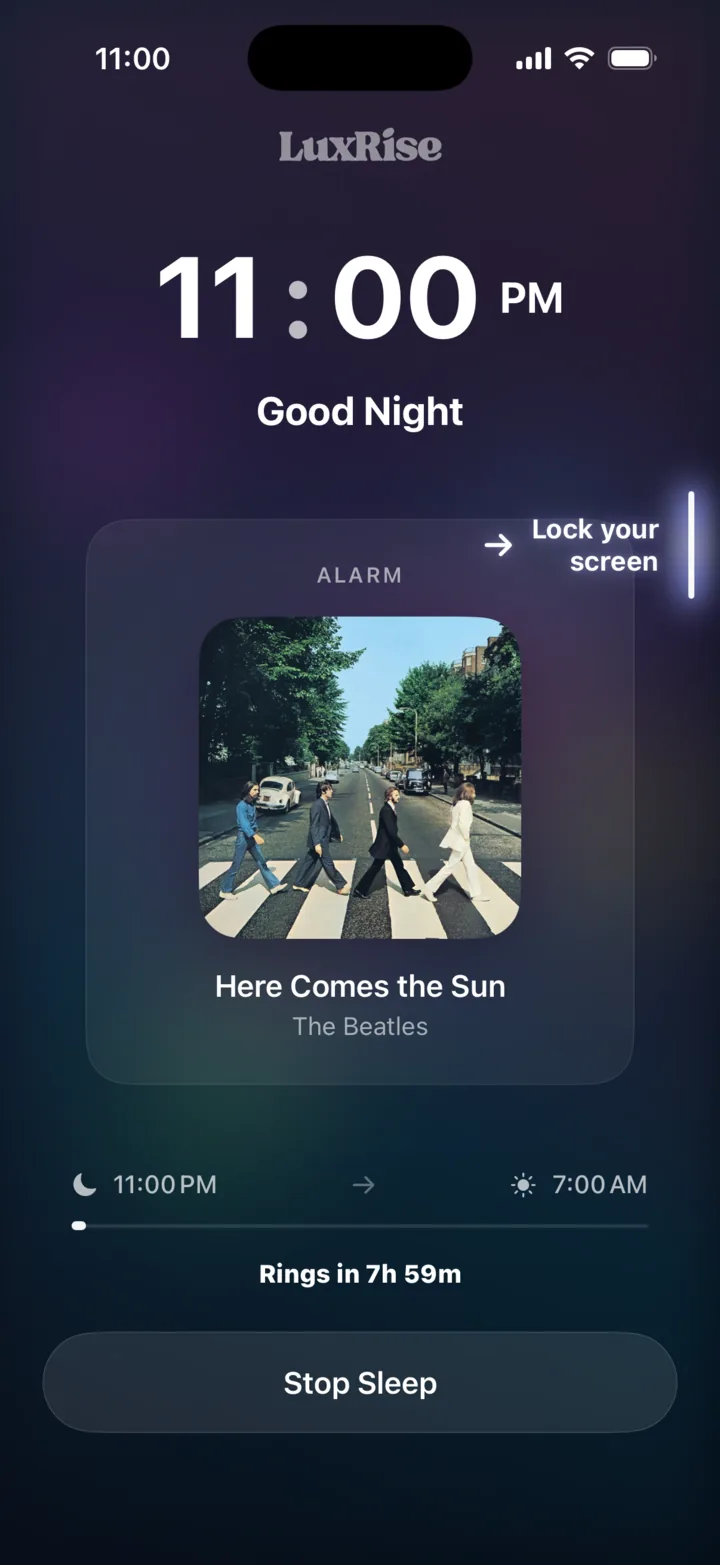
LuxRise sleep mode, good night

How it works

Set your night
in under a minute.

Spin to your wake time. The last thing you decide tonight.

1

Open your sleep settings

One tap into your night: your alarm, how you wake, and how long the music carries you.

2

Choose what wakes you

Any song, straight from Spotify or Apple Music. It becomes your sunrise, easing up, never jarring.

3

Choose what carries you off

A soundscape for falling asleep: rain, piano, healing tones, lofi and more.

4

Then Go to Sleep.

Lock your screen and sleep. We fade you down, watch the clock, and lift you back up. On time, every time.

FAQ

Frequently asked questions.

Which music services work?

Spotify and Apple Music. Spotify playback runs through your existing account, you just need to authorize it, a Spotify Premium account is required for the full music alarm experience; Apple Music needs an active subscription too.

What if my internet drops overnight?

You still wake up. LuxRise keeps a backup ready, so even with no connection your alarm always goes off on time.

Will it drain my battery?

Playing audio overnight uses no more power than music or a podcast would. We recommend charging overnight regardless. That’s exactly what Apple suggests for battery health.

Can I use it just for sleep sounds?

Absolutely. Open a soundscape, set a sleep timer for 15, 30 or 60 minutes (or until your alarm), and drift off. No alarm required.

What does it cost?

LuxRise is free to download on the App Store, with no ads.

What do I need to run it?

An iPhone on iOS 18.6 or later. Notifications, Health and music access are all optional. Skip any of them and the app still works.

LuxRise app icon

Made for better mornings.

No extra subscriptions. Download LuxRise.

LuxRiseFree on the App Store Get